
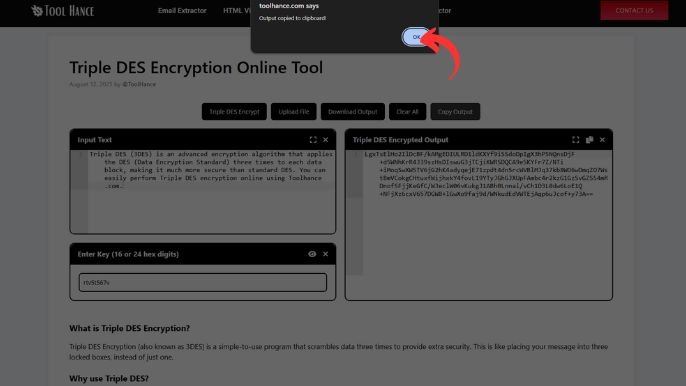
Input Text
Enter Key (16 or 24 hex digits)
Triple DES Encrypted Output
What is Triple DES Encryption?
Triple DES Encryption (also known as 3DES) is a simple-to-use program that scrambles data three times to provide extra security. This is like placing your message into three locked boxes, instead of just one.
Why use Triple DES?
- Stronger than standard DES: Encrypts data three times
- Use in Banking & Payments: Secures transactions
- Compatible with older systems
How to Use Triple DES Encryption Online
Open the Tool:
- Visit Toolhance.com
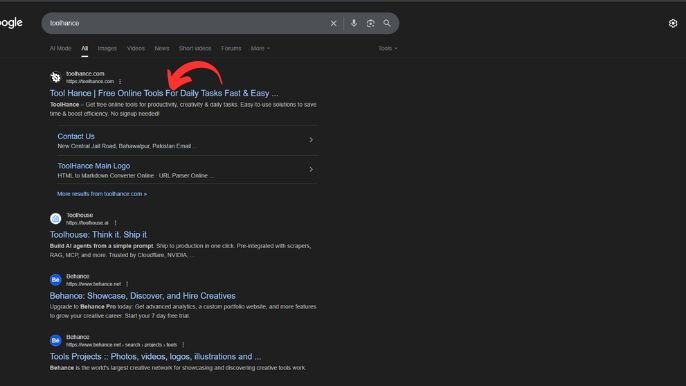
Find the Tool:
- In the search bar, type “Triple DES Encryption” and open the tool.
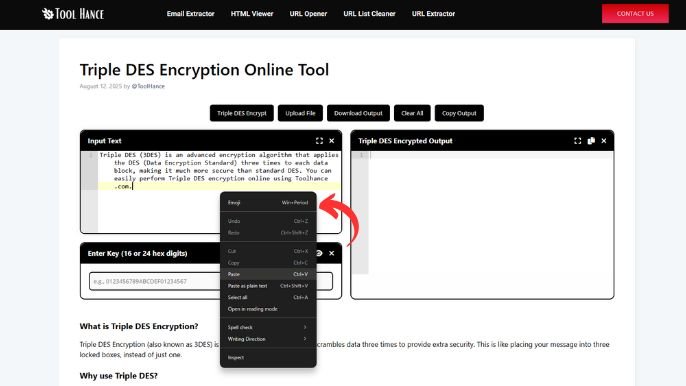
Enter Your Text:
- In the input box, type or paste the text you want to encrypt.
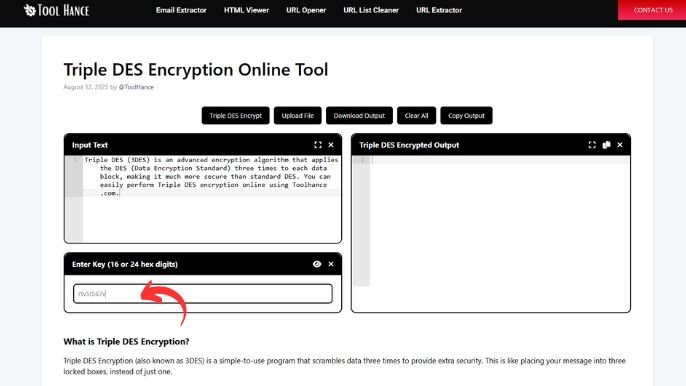
Set a Secret Key:
- Provide your secret encryption key. (Remember this key — you’ll need it to decrypt later.)
Choose Mode (Optional):
- Select your preferred encryption mode (e.g., ECB, CBC).
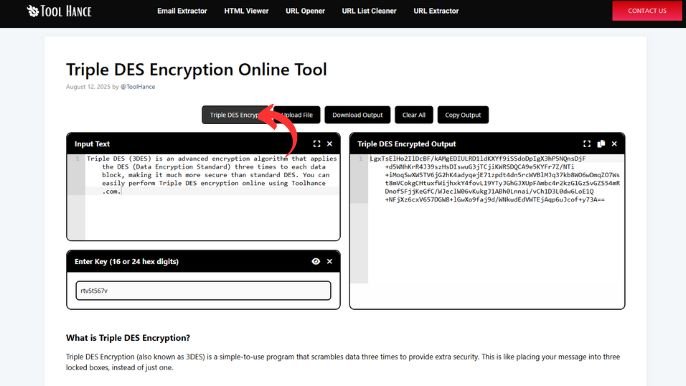
Click Encrypt:
- Press the Encrypt button to generate your encrypted (cipher) text.
Copy the Result:
- Copy your encrypted output for secure sharing or storage.
The Best Uses of Triple DES
- Protecting sensitive data
- Secure messaging
- Legacy system security
Final Word
AES-256, a newer encryption algorithm, is safer for sensitive data than 3DES.
Now you can lock your secrets with a simple click!
Need Help? Ask for help!
Designed by: Tool Hance | Visit our rankings of the Best SEO Companies.