
Input Text
Enter Key
Encrypted Output
What is Rabbit Encryption (Rabbit Encryption)?
Rabbit Encryption uses the Rabbit cipher for secure encryption. This is perfect for those who need to encrypt quickly!
Why use Rabbit Encryption (Rabbit Encryption)?
- Super Fast: Encrypts data in milliseconds
- Strong security: 128-bit encryption
- Stream Cipher is great for real-time communications
How Can I Use Rabbit Encryption Online?
Open the Tool:
- Go to Toolhance.com
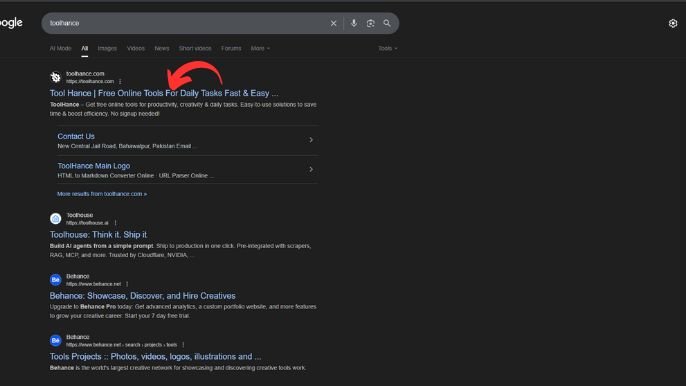
Find the Rabbit Encryption Tool:
- In the search bar, type “Rabbit Encryption Online” and click on it.
Enter Your Text:
- Type or paste the text you want to encrypt in the input box.
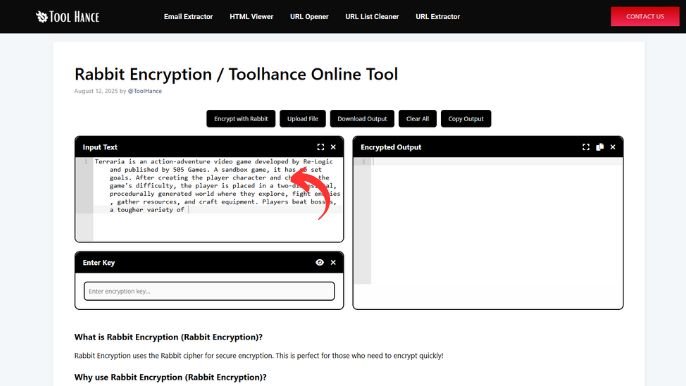
Add a Key (Optional):
- You can use a custom key to make your encryption more secure.

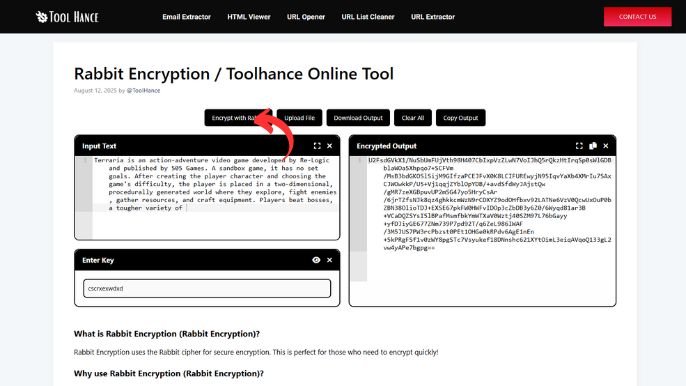
Click “Encrypt”
Instantly get your encrypted output below.
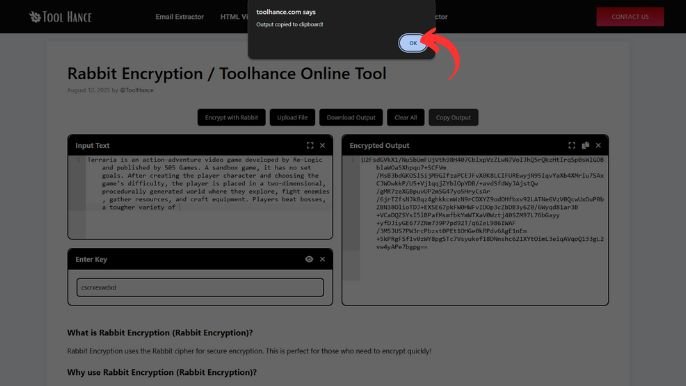
Copy or Download the Encrypted Data
- Save it securely for decryption later.
Rabbit Encryption: Best Uses
- Secure chat messages
- Protecting sensitive notes
- Lightweight file encryption
Pro Tip:
AES-256 is a better option for sensitive data than Rabbit, which is fast.
Rabbit encryption is quick and simple!
Need Help? Ask for help!
Designed by: Tool Hance | Visit our rankings of the Best SEO Companies.