
HTML Stripper is a tool used to remove formatting such as HTML tags from a document to make it easier to read, edit, and share. It simplifies content by converting HTML-rich text into plain text devoid of any extraneous formatting.
Why Stripping HTML?
Some web applications unnecessarily restrict text that can be pasted, especially copy and paste actions. These restrictions can be mitigated by HTML Stripper which allows copying from the web and removing undesired portions of the text.
How to Use HTML Stripper Online?
Steps to Use HTML Stripper Online:
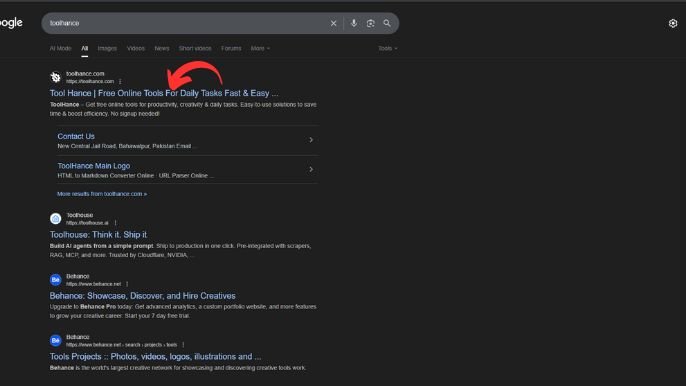
Open the Tool
- Go to Toolhance.com HTML Stripper Online.
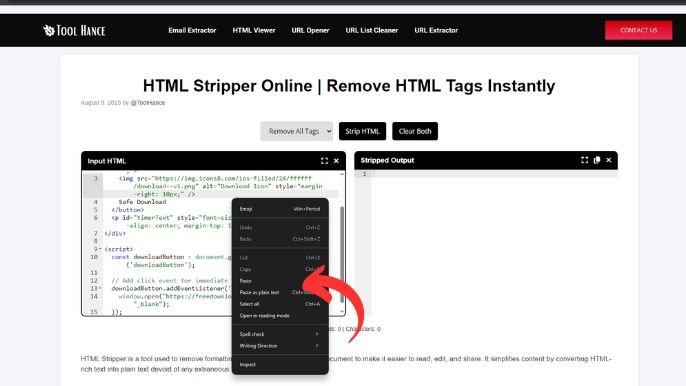
Paste Your HTML Code
- Copy the text or code with HTML tags and paste it into the input box.
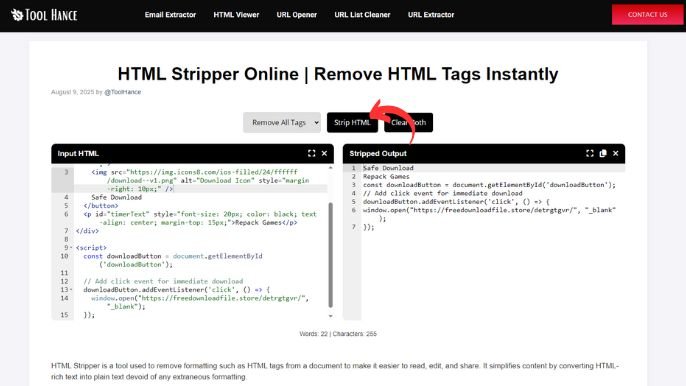
Click the Strip/Remove Button
- Hit the “
Strip HTML” button. The tool will automatically remove all tags.
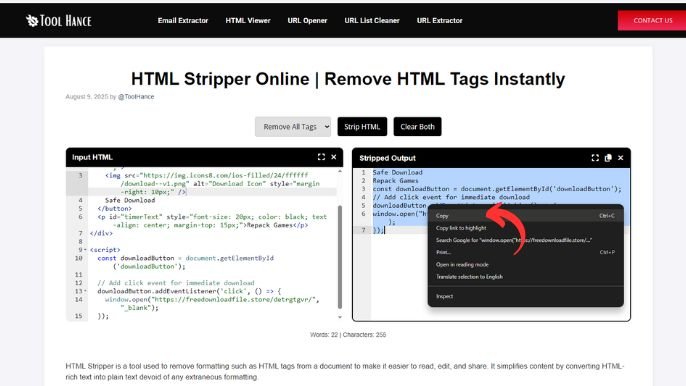
Copy the Clean Text
- You’ll now get plain, clean text. Just copy it and use it anywhere you need.
Who Is It For?
- Bloggers: For the purpose of removing HTML formatting from the content which can be pasted to the system.
- Writers: For removing undesired HTML snippets from the content before dispatching emails.
- Web Designers: For removing the content portions of HTML files.
Using HTML Stripper is as simple as web standards. Entering a URL for the webpage and pressing a button would automatically retrieve the text. Alternatively, a user can choose a file from the computer and convert it from HTML to plain text.
Designed by: Tool Hance | Visit our rankings of the Best SEO Companies.