
AES Decryption (Advanced Encryption Standard) is an example of a modern symmetric block cipher algorithm that encrypts and decrypts information in blocks of 128 bits sequentially. Encryption of data (cipher text) is reversed by using a decryption algorithm alongside a pre-shared symmetric secret key (shared in advance) to restore (decrypt) the plain text.
The stronger the key, the better the security of the AES block cipher algorithm. It is compatible with 128, 192, and 256 bits.
Features
- Browser-Based: No additional software is needed.
- Fast Processing: Can decode information in milliseconds.
- Multi-Key Support: Compatible with AES-128, AES-192, and AES-256.
- Multiple Formats: Accepts plain text, Base64, and HEX inputs.
- Secure Handling: No data leaves the browser which guarantee privacy.
- Mobile Friendly: Compatible with phones, tablets, and desktops.
How to Use an Online AES Decryption Tool (Step By Step)?
- Open the tool at Toolhance.com
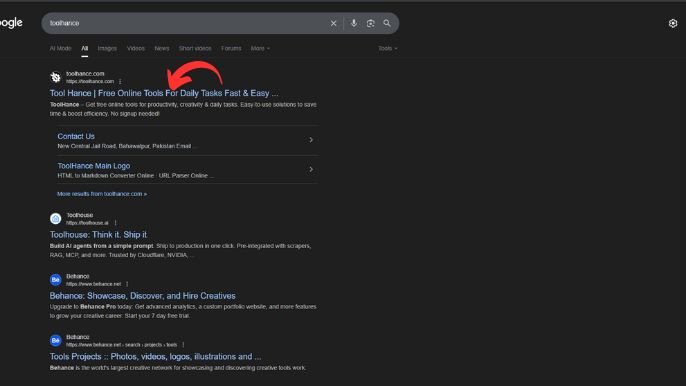
- Find AES Decryption on the page (search the site or the tool list).
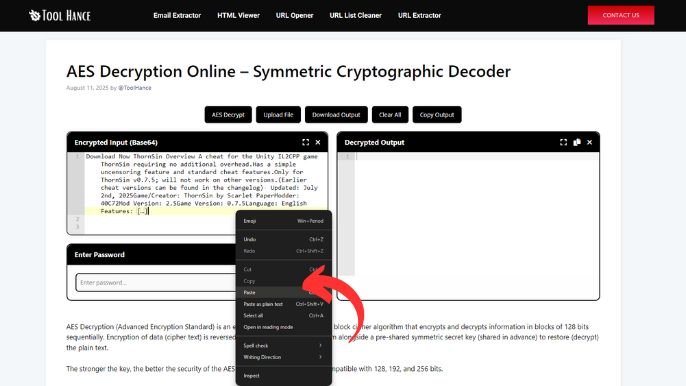
- Paste your ciphertext into the “
Ciphertext” input box. Specify whether it’s Base64 or Hex.
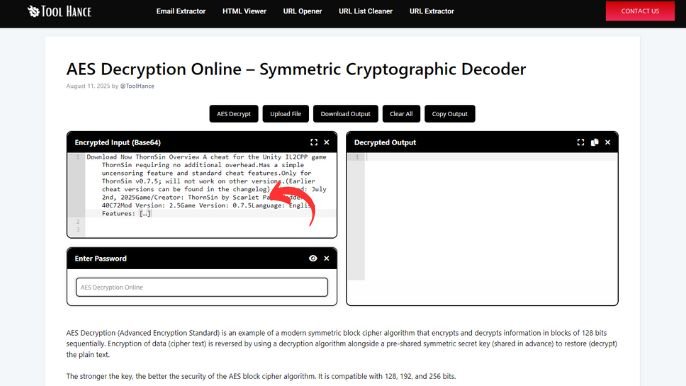
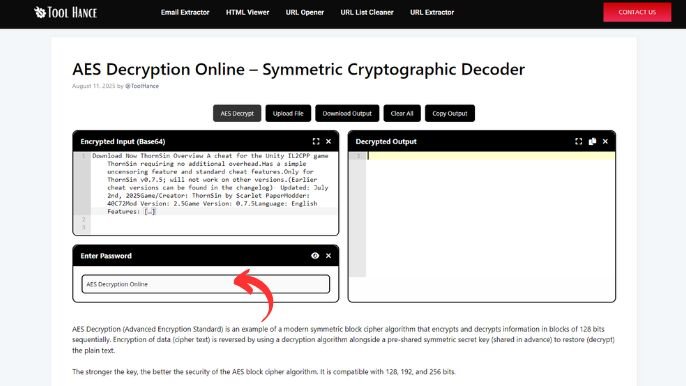
- Paste or type the secret key exactly (check whether the tool expects raw text, a hex key, or Base64).
- If the tool asks for key size, choose 128 / 192 / 256 depending on the key length.
- Choose the mode (e.g., CBC).
- If the mode requires an IV, paste the IV (again Base64 or hex — match the encoding).
- Choose padding (usually PKCS7).
- Click Decrypt (or Submit). The tool will show the decrypted plaintext if the inputs match the original encryption settings.
Conclusion
AES Decryption is a necessary process for users requiring restoration of scrambled data into its original form. Opting for an AES Decryption Online tool ensures ease of access, privacy, and speed—without the need for any software installation.
AES Decryption is crucial in the recovering of encrypted files and messages, in addition to testing the strength of security systems.
FAQs – AES Decryption
Answered here are some of the most commonly asked questions
- What key size should I use for AES decryption?
AES-256 is more secure than AES-128, which is faster. For maximum protection, use AES-256.
- Can I decrypt AES without the key?
AES encryption relies on the correct key to unlock its fortress. Without it, the encryption is impregnable. Attempting to break it without the key is a waste of time.
- Is AES decryption safe to use online?
Provided that the tool is being run in the user’s browser as opposed to a separate server, its use is safe.
- What’s the difference between AES encryption and decryption?
Encryption transforms plain text into cipher text while decryption reverses the process.
- Which AES mode should I select?
Other common modes are CBC (Cipher Block Chaining) for stronger security and ECB (Electronic Codebook) for simpler, more vulnerable protection.
Designed by: Tool Hance | Visit our rankings of the Best SEO Companies.